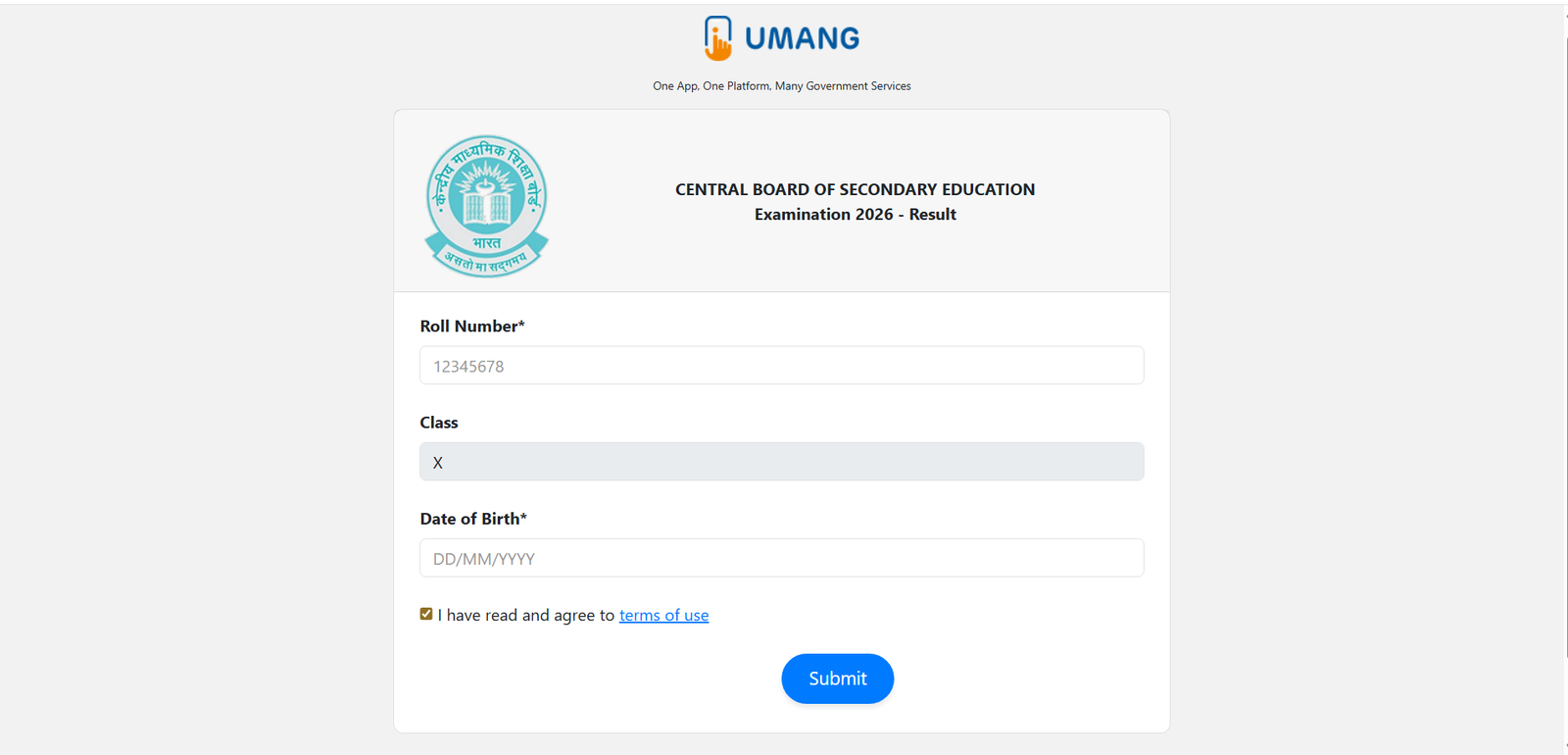
The CBSE 10th Marksheet 2026 is now available for download online following the official declaration of results on April 15, 2026. Students no longer need to wait for the physical marksheet to verify their scores or apply to colleges. The digital marksheet available through DigiLocker and the UMANG App is an officially recognised document that carries the same validity as the original. Here is a complete guide on how to download your CBSE Class 10 Marksheet 2026.
Overview
| Details | Information |
|---|---|
| Result Declaration Date | April 15, 2026 (4:00 PM IST) |
| Overall Pass Percentage | 93.70% |
| Girls Pass Percentage | 94.99% |
| Boys Pass Percentage | 92.6% |
| Digital Marksheet Available On | DigiLocker, UMANG App |
| DigiLocker Activate Link | cbseservices.digilocker.gov.in/activatecbse |
| Original Marksheet Distribution | Through respective schools (later date) |
How to Download CBSE 10th Marksheet 2026 from DigiLocker
Follow these steps to download your CBSE Class 10 Marksheet 2026 from DigiLocker:
- Visit cbseservices.digilocker.gov.in/activatecbse to activate your CBSE DigiLocker account if you have not done so already.
- Enter the access code provided by your school, along with your mobile number and other required details.
- Verify your mobile number via OTP and complete the account setup.
- Once logged in, go to the “Issued Documents” section.
- Click on the link for CBSE Class 10 Marksheet 2026.
- Enter your Roll Number and Date of Birth when prompted.
- Your CBSE 10th Marksheet 2026 will appear on the screen.
- Click Download to save it to your device. Take a printout for your records.
How to Download CBSE 10th Marksheet 2026 from UMANG App
- Download and open the UMANG App on your smartphone, or visit umangresults.digilocker.gov.in.
- Search for “CBSE” in the app’s search bar.
- Select the CBSE Class 10 Result 2026 option.
- Log in using your registered credentials and enter your Roll Number.
- Your marksheet will be displayed. Download and save it.
What Details Are Mentioned on the CBSE 10th Marksheet 2026
After downloading, students must carefully verify the following details on their marksheet:
- Student’s Name, Roll Number, and Date of Birth
- School Name and School Code
- Subject-wise Marks (Theory and Internal Assessment)
- Total Marks and Percentage
- Grade and Pass/Fail/Compartment Status
- CBSE Grading (A1 to E scale)
Is the DigiLocker Marksheet Valid?
Yes. The CBSE 10th Marksheet 2026 downloaded from DigiLocker is an officially issued government document. It is accepted by most colleges, universities, and institutions for provisional admission purposes. Students can use this digital copy until the original physical marksheet is distributed by their school.
Important Links
| Platform | Direct Link |
|---|---|
| Activate CBSE DigiLocker | cbseservices.digilocker.gov.in |
| DigiLocker Result Portal | results.digilocker.gov.in |
| UMANG Result Portal | umangresults.digilocker.gov.in |
| CBSE Official Website | cbse.gov.in |
If any information on the CBSE 10th Marksheet 2026 appears incorrect or unclear, students should contact their school immediately. Schools can raise correction requests with the board on behalf of the students. Do not delay this process as correction deadlines are typically short.
Read More: CBSE 12th Result 2026 Live Updates: Result Date, Direct Link @ cbseresults.nic.in