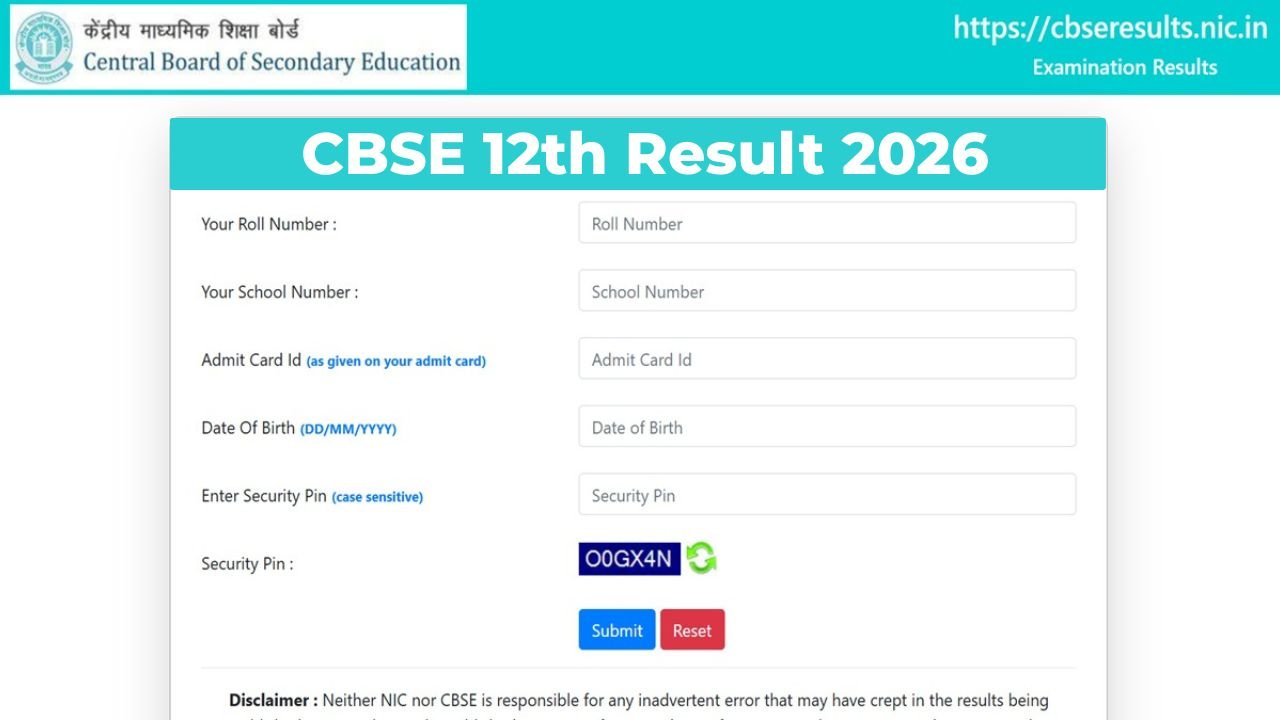
The wait for the CBSE Class 12 Result 2026 is almost over. Once the result is declared, students across the country will rush to download their marksheet as quickly as possible and for good reason. Your Class 12 marksheet is the first document you will need for college admissions, entrance exam forms, and scholarships.
The good news is that CBSE now makes it super easy to get your digital marksheet within minutes of the result being declared. Here is a complete guide on how to download your CBSE 12th marksheet 2026 from every available platform.
CBSE Class 12 Result 2026- Overview
| Details | Information |
|---|---|
| Board | Central Board of Secondary Education (CBSE) |
| Exam Name | CBSE Senior School Certificate Examination 2026 |
| Exam Dates | February 17 to March 24, 2026 |
| Total Students | Approximately 18 lakh |
| Expected Result Date | Mid-May 2026 (official date not confirmed yet) |
| Result Available On | cbse.gov.in, results.cbse.nic.in, DigiLocker, UMANG App |
| Login Details Required | Roll Number, School Number, Admit Card ID, Date of Birth |
| Minimum Passing Marks | 33% in each subject |
Direct Links to Check & Download CBSE 12th Result 2026
| Platform | Direct Link |
|---|---|
| CBSE Official Result Portal | results.cbse.nic.in |
| CBSE Official Website | cbse.gov.in |
| CBSE Results NIC | cbseresults.nic.in |
| DigiLocker Marksheet | digilocker.gov.in |
| UMANG App | umang.gov.in |
Method 1: Download CBSE 12th Marksheet 2026 from cbse.gov.in
This is the most direct way to check your result and download the provisional marksheet:
- Visit results.cbse.nic.in or cbse.gov.in.
- Click on the link for “Senior School Certificate Examination Results 2026” (Class 12).
- Enter your Roll Number, School Number, Admit Card ID, and Date of Birth.
- Solve the captcha and click Submit.
- Your result with subject-wise marks and grades will appear on the screen.
- Click the Download / Print option to save your provisional marksheet.
Tip: The website slows down heavily in the first 30 minutes after the result is declared. If it is not loading, switch to DigiLocker — it handles traffic much better.
Read More: CBSE 12th Result 2026 Live Updates: Result Date, Direct Link @ cbseresults.nic.in
Method 2: Download CBSE 12th Marksheet 2026 from DigiLocker
DigiLocker is the fastest and most reliable option on result day. The marksheet you get here is an officially valid government document accepted by colleges for admission:
- Open the DigiLocker app on your phone or visit digilocker.gov.in.
- Sign in using your Aadhaar-linked mobile number and OTP.
- If you do not have an APAAR ID, create one before result day this is now mandatory to access CBSE documents on DigiLocker. Your school will provide the access code.
- Once logged in, go to the “Issued Documents” section.
- Click on the link for CBSE Class 12 Marksheet 2026.
- Your digital marksheet will appear download and save it immediately.
Method 3: Download CBSE 12th Marksheet 2026 from UMANG App
- Download and open the UMANG App on your phone or visit umang.gov.in.
- Search for “CBSE” in the search bar.
- Select the CBSE Class 12 Result 2026 option.
- Log in and enter your Roll Number and other required details.
- Your result will appear download the marksheet from here.
Method 4: Check via SMS
If the internet is slow or the website is not loading, you can get your result directly on your phone. Just type CBSE12 followed by your Roll Number and send it to 7738299899. Your result will be sent back as an SMS.
What is Mentioned on the CBSE Class 12 Marksheet 2026?
Once you download your marksheet, check all the following details carefully. If anything looks wrong, contact your school immediately:
- Candidate’s Full Name and Roll Number
- School Name and School Code
- Stream and Subject-wise Marks (Theory and Practical separately)
- Total Marks, Percentage, and CGPA
- Grade for each subject
- Pass / Fail / Compartment Status
- CBSE Board’s official seal and digital authentication
Read More: