The Central Board of Secondary Education (CBSE) officially declared the CBSE 10th Result 2026 on April 15, 2026 at approximately 4:00 PM IST. With an overall pass percentage of 93.70%, over 24 lakh students can now check their scores online. The result is available on multiple official platforms. If you are unsure how to check your CBSE Class 10 Result 2026, follow the easy steps given below.
| Direct Result Links |
| Digilocker CBSE Board 10th Result Links |
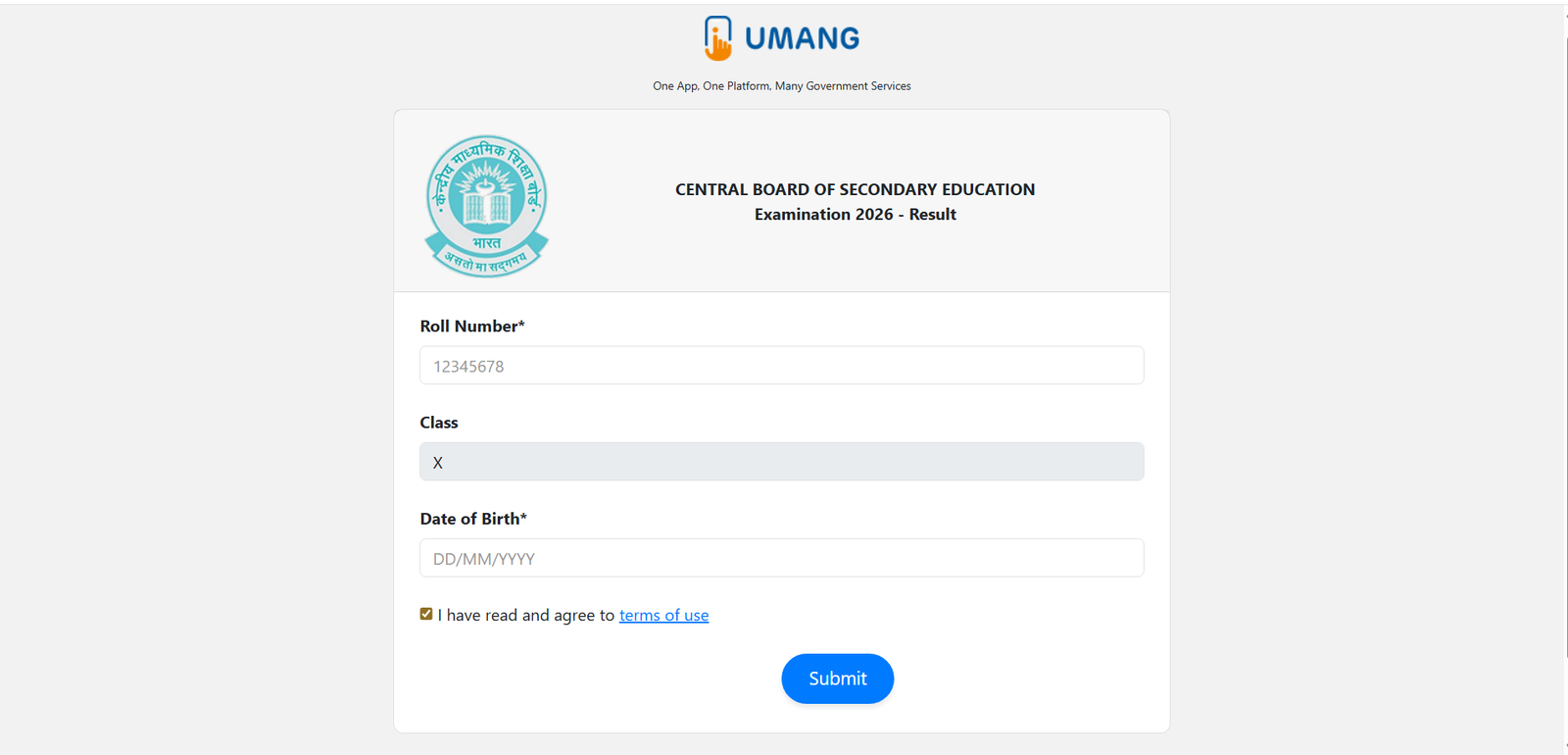
| UMANG CBSE Board 10th Result Links |
How to Check CBSE 10th Result 2026 at cbse.gov.in
- Visit the official CBSE website at cbse.gov.in or results.cbse.nic.in.
- Click on the link for “Secondary School Examination Results 2026” on the homepage.
- Enter your Roll Number, School Number, Admit Card ID, and Date of Birth.
- Click the Submit button.
- Your CBSE 10th Result 2026 with subject-wise marks and grades will appear on screen.
- Download and save the result. Take a printout for future use.
How to Check CBSE 10th Result 2026 via DigiLocker
- Visit results.digilocker.gov.in or open the DigiLocker app on your phone.
- Log in using your registered mobile number and OTP.
- Go to the “Issued Documents” section.
- Click on the CBSE Class 10 Result 2026 link.
- Enter your Roll Number and Date of Birth.
- Your digital marksheet will be available to view and download instantly.
How to Check CBSE 10th Result 2026 via UMANG App
- Open the UMANG App on your smartphone or visit umang.gov.in.
- Search for “CBSE” in the search bar.
- Select the CBSE Class 10 Result 2026 option.
- Enter your Roll Number and other required details.
- Your result will be displayed on screen. Download it for your records.
Check via SMS
Students can also get their CBSE Class 10 Result 2026 through SMS. Type your Roll Number and send it to 7738299899. Your result details will be sent back to your registered mobile number.
What to Do If the Website is Not Loading
- Wait a few minutes and try refreshing the page — heavy traffic is common on result day.
- Switch to DigiLocker at results.digilocker.gov.in — it is faster and more stable.
- Use the UMANG App as an alternative.
- Try the SMS method by sending your Roll Number to 7738299899.
CBSE 10th Result 2026 – All Official Websites
| Platform | Direct Link |
|---|---|
| CBSE Official Portal | cbse.gov.in |
| NIC Result Portal | results.cbse.nic.in |
| DigiLocker | results.digilocker.gov.in |
| UMANG App | umang.gov.in |
Students are advised to download their provisional marksheet immediately after checking the result. The original marksheet will be distributed by schools at a later date. In case of any discrepancy in the result, contact your school authorities without delay.
Read More: CBSE 12th Result 2026 Live Updates: Result Date, Direct Link @ cbseresults.nic.in